
Turn any image into a large clickable link on social media
Stop losing sales to tiny thumbnails or unclickable photos.
Generate full-width clickable preview cards for Facebook, LinkedIn and X (Twitter) that send visitors straight to your website, offer or WhatsApp chat.
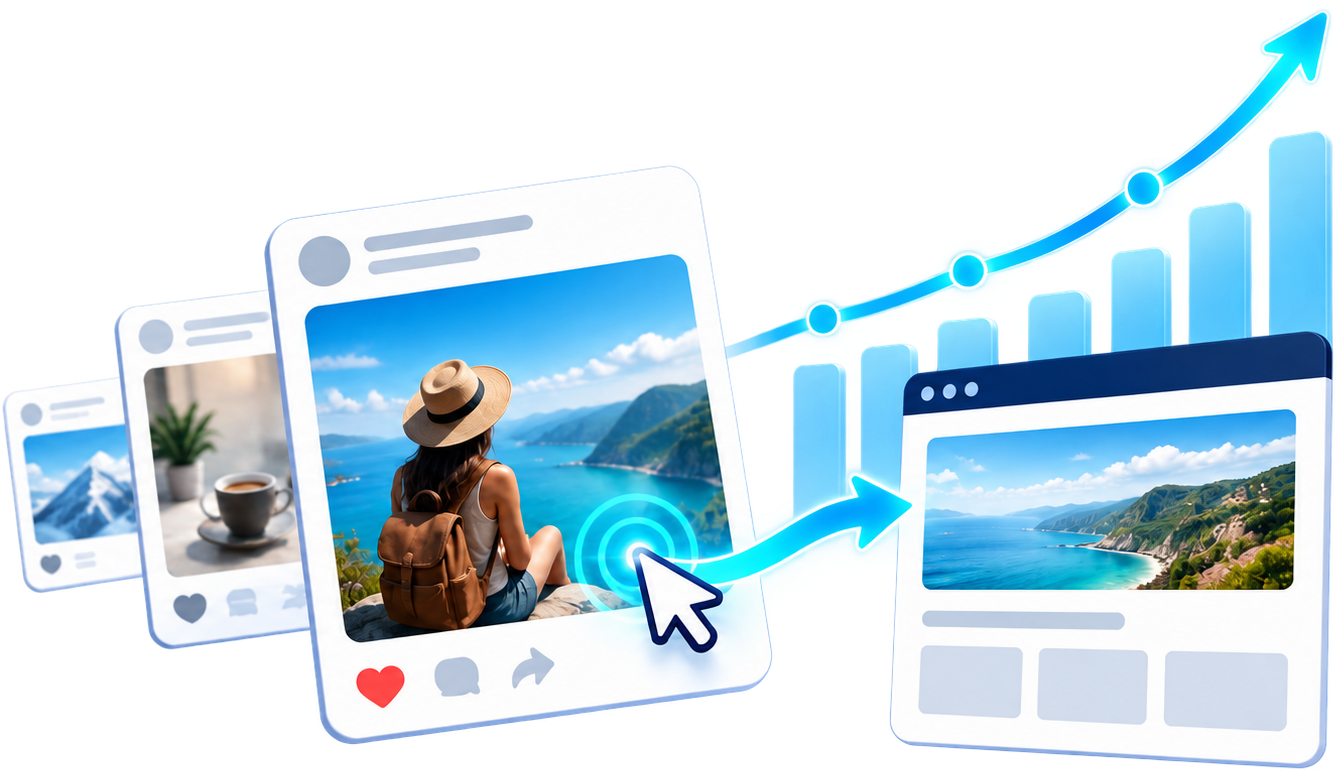
The Difference Is in the Clicks
Compare a photo upload with a clickable image preview that leads to your website.
Check out our new products on our website! Link in bio or comments.
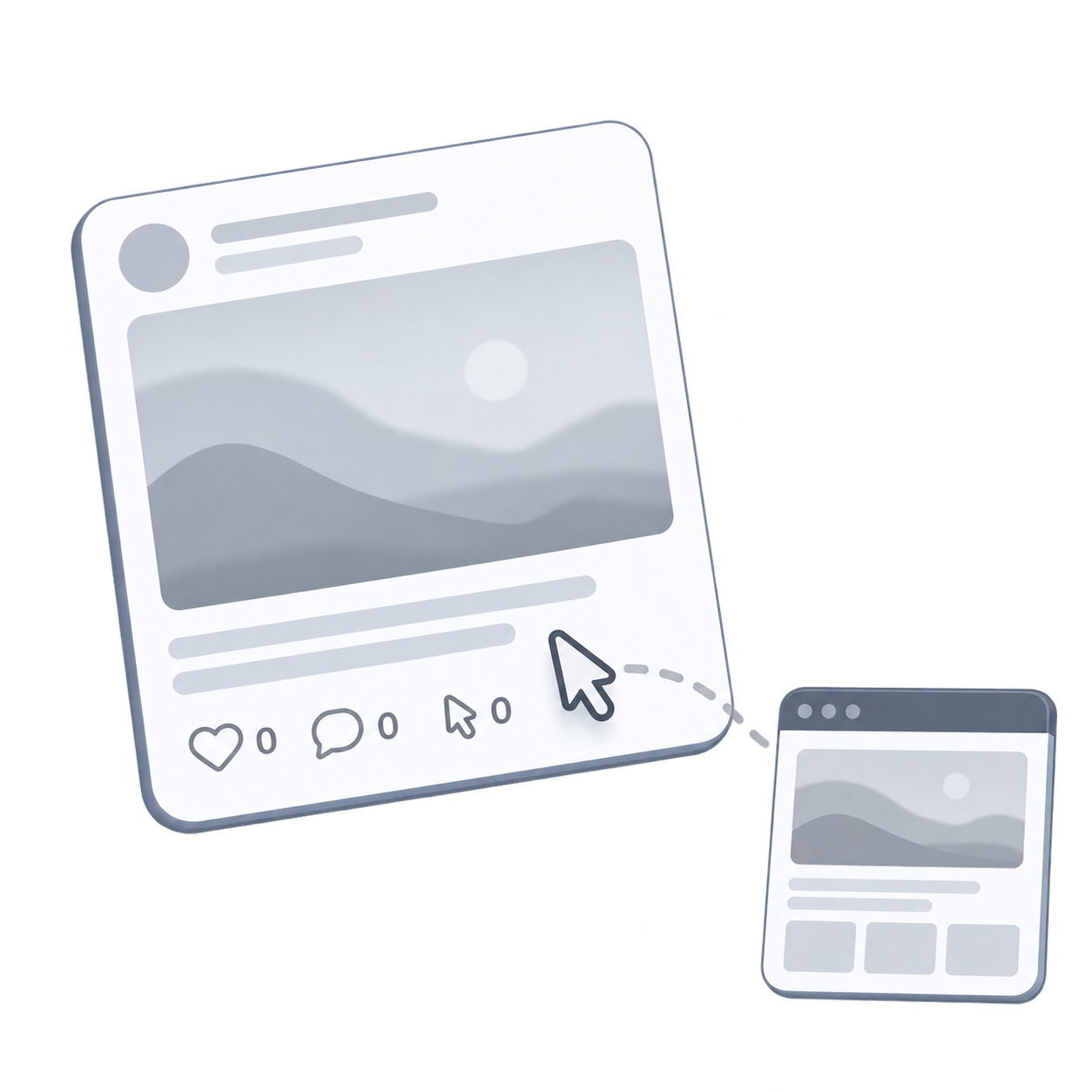
- Photo opens in the image viewer
- Website URL placed in the post or comments
- Post text accompanies the photo
- Readers follow the separate website link
- Clicking the preview opens your destination
- Your image is connected to your destination
- Choose your preview image, title and description
- Create different previews for the same destination
Create different image previews for the same website URL. No changes to your website required.
Preview appearance and visible text depend on the social platform.
Try it free with your first linkWhy Large Clickable Images Matter
If your posts on social media networks are not converting, users simply do not notice or click small thumbnails.
Full-width visual impact
When you post a link, social networks often display a tiny thumbnail or no image at all. With Instant Links, you showcase eye-catching large cards that capture immediate attention in busy news feeds.
Total Open Graph control
Customize your preview title, description and thumbnail for any webpage or affiliate link without touching your website code or CMS settings. Complete control over your marketing message.
Instant 1-click redirection
Anyone clicking anywhere on the large image is immediately redirected to your destination URL. Perfect for landing pages, e-commerce, videos, WhatsApp and Messenger chats.
Up to 50% increase in social media engagement
Marketing studies prove that suggestive large images receive the highest number of likes, comments, shares and clicks across all major social networks.
How to Generate Custom Clickable Images
Creating your custom social media links takes less than 60 seconds. Follow these 4 simple steps:
Choose an image
Upload any picture from your device, provide an external image URL or use AI-generated visuals. Any standard image format is supported.
Crop and adjust ratio
Easily crop and resize your image to the optimal aspect ratio for Facebook, LinkedIn and X (Twitter). Optionally add a play button watermark overlay.
Add title & description
Insert an engaging headline, detailed description and your target website URL. Direct WhatsApp and Messenger chat links are also supported.
Share & drive traffic
Get your unique shortened link ready to post on personal profiles, fan pages, groups or direct messages. Clone existing links in one click to split-test.
Live Preview Examples
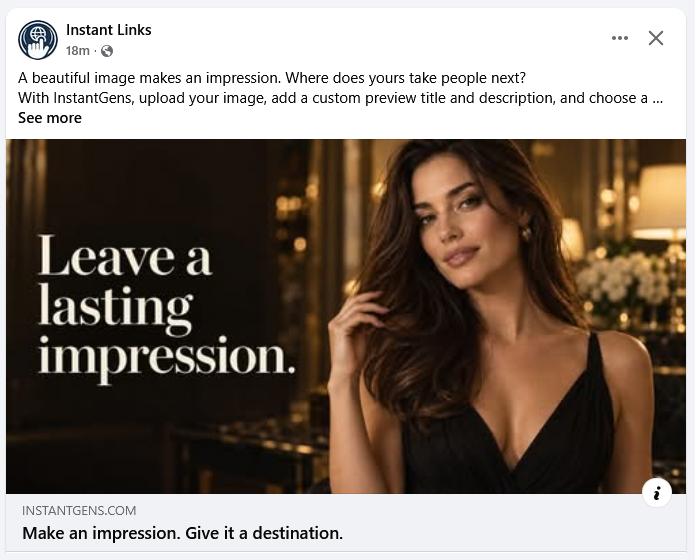
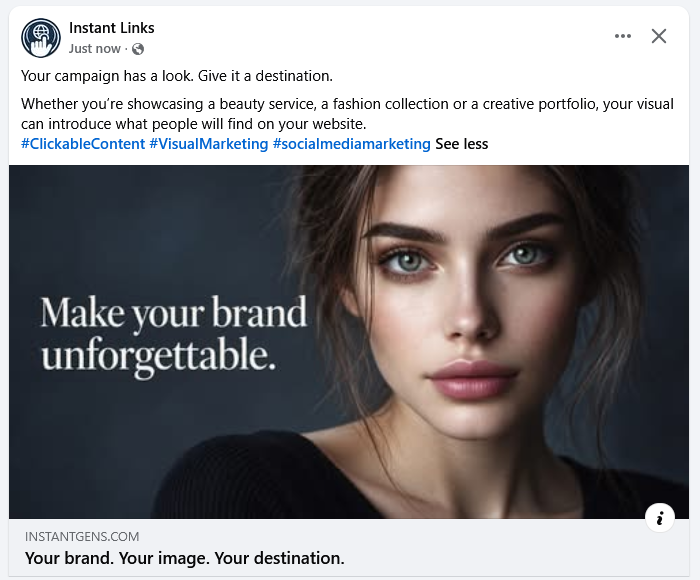
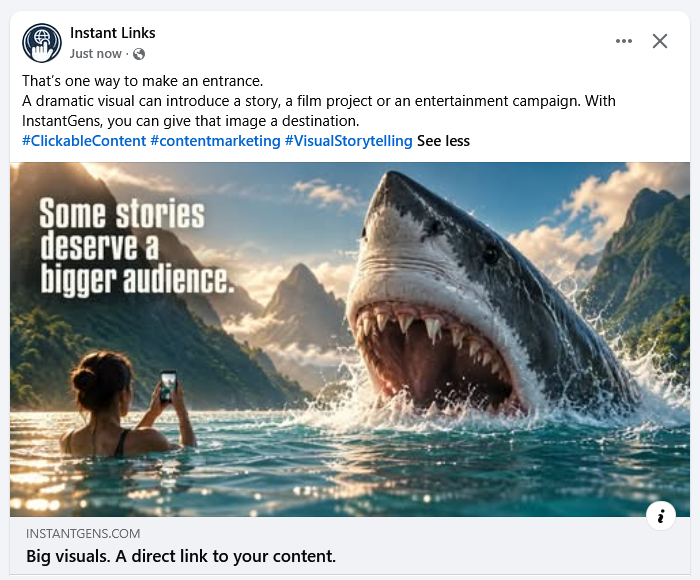
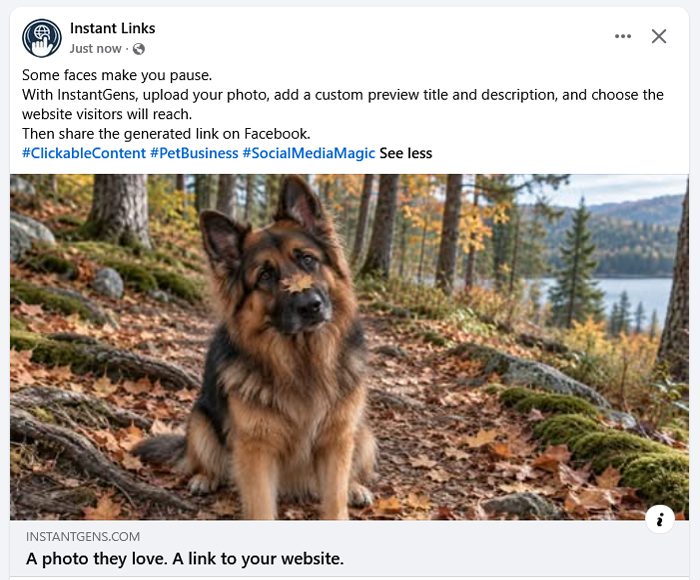
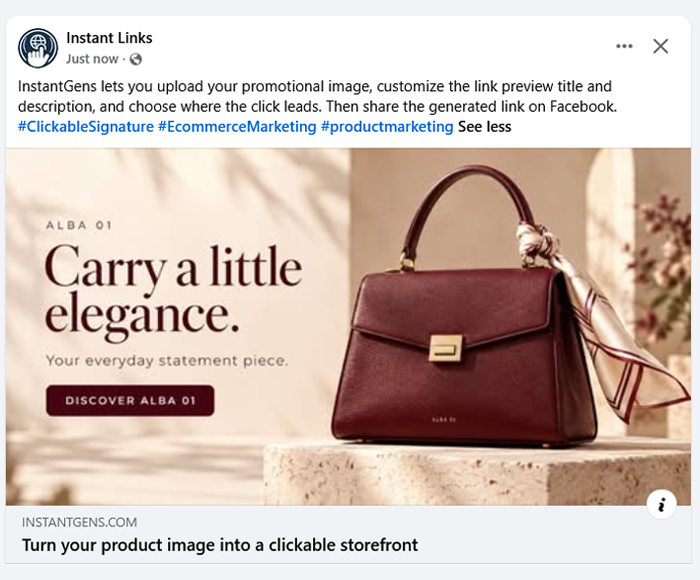
This is how 4 generated variations of the same link look on Facebook with different images, titles and descriptions. Click any card to see real live examples:
One-Time Payment, Lifetime Access
Paid plans use a one-time payment. The current application does not require periodic link renewal. OpenAI API usage is billed separately.
Free Plan
$0
- Large clickable preview cards for socials
- 1-click link cloning for fast variations
- TinyURL shortening included
- Automatic Facebook preview submission
- Zero watermark or platform branding
- No scheduled link expiration
- Built-in image cropper & metadata editor
- Direct WhatsApp & Messenger chat links
Basic Plan
$29
- Everything included in Free plan
- +
- Integrated TinyURL shortener service
- Optional decorative play button overlay
- Broken image monitoring with email alerts
- Total click counter per link
Pro Plan
$49
- Everything included in Basic plan
- +
- Detailed click analytics & visitor tracking
- AI copywriter generator for titles & descriptions
- Full visitor logs (IP, browser, date & referer)
- Uses your OpenAI API key. API usage is billed separately by OpenAI.
Elite Plan
$79
- Everything included in Pro plan
- +
- A/B split testing (random rotating links)
- Smart device routing (Desktop vs Mobile redirection)
- Up to 3 rotating URLs per clickable image
Capacity is per account: Free 3, Basic 25, Pro 50 and Elite 100 links and stored images. Limits apply to items kept in your account and do not reset monthly. Additional Elite capacity requires a separate account. Existing Elite customers retain their purchased unlimited capacity.
Pay once, use forever • Zero monthly subscriptions • Upgrade anytime from your dashboard
Frequently Asked Questions
Answers to common questions about using Instant Links for your social media marketing campaigns:
How does Instant Links work?
Instant Links creates a share URL with the image, title and description you choose. Social platforms can use this Open Graph information to build a link preview. Visitors who follow the generated link are redirected to your destination. Each platform controls the final appearance of its preview.
Why is using Instant Links better than posting a regular link?
A normal photo post usually opens the photo viewer when clicked. A link preview can take visitors to a website. Instant Links lets you prepare a custom preview for a destination, including pages you do not manage, without editing that website.
Will the generated links hurt my website or SEO?
Instant Links is a tool for sharing links with custom previews. It does not guarantee higher search rankings or protection from search penalties. Use accurate images and descriptions that match the destination, and follow the policies of the search engines and social platforms where you share.
What types of links and images can I use?
Use a publicly accessible HTTP or HTTPS destination, such as a blog, online store, landing page, video page, WhatsApp chat URL or Messenger link. For images, upload JPG, PNG, GIF or WebP, or provide a public image URL. Only share content you have permission to promote.
Where can the clickable images be posted?
You can share the generated URL on services that accept links, including Facebook, LinkedIn, X (Twitter), WhatsApp, Telegram and email. Clickable preview cards depend on the platform, placement and account settings. A large card is not guaranteed in every feed, story or message.
What is your policy regarding content and abuse?
Do not use Instant Links for deceptive, violent, abusive, adult or illegal content. Use images you have permission to share and make sure the preview accurately represents the destination. Contact support if you need to report a link.
What is the recommended image size and aspect ratio?
A landscape image of 1200 by 630 pixels, approximately 1.91:1, is a useful starting point for a large link preview. Use the crop editor to keep important text and subjects away from the edges. Social platforms may crop or display the image differently depending on the placement and device.
Do generated links have an expiration date?
Links created by the current application have no scheduled expiration, including on the Free plan. They work while the link exists, the service is available and the destination is reachable. Deleting a link stops its configured redirection.
How does AI-powered content generation work?
Pro and Elite members can configure their own OpenAI API key in My account and request alternative titles and descriptions when creating or editing a link. OpenAI usage is billed separately by the provider. Review generated text for accuracy before saving or sharing it.
What happens if an external image used in a link is deleted?
Scheduled checks can detect inaccessible images and mark affected links in the dashboard. Basic, Pro and Elite accounts can also receive email alerts after a check detects a problem. Checks are periodic, so an alert is not immediate. Update the image in your link. Social platforms may keep an older preview until their cache refreshes.
Can I change the destination link or image after sharing it on Facebook?
You can change a link destination, title, description or image from Active links. Visitors following the saved share URL use the updated destination. Social platforms cache previews, so an existing post may continue to show an older title or image after you save your changes.
Why does Facebook crop my uploaded photos or display small thumbnails?
Social platforms decide the size and crop of link previews. A clear landscape image and accurate Open Graph metadata help provide a suitable preview, but do not force a full-width card. Preview your link on the intended platform before posting.
Ready to boost your social media traffic?
Join marketers, store owners and creators using large clickable images to maximize their click-through rate on Facebook, LinkedIn and X (Twitter).